Migrating My Astro Blog from pnpm to Bun
Recently, I decided to switch my Astro blog project from using pnpm to Bun. The primary motivation was to explore Bun’s potential for faster dependency installation and script execution speeds. The migration process turned out to be quite simple.
Here’s a summary of the steps I took:
- Cleaned up the existing project state.
- Installed dependencies using Bun.
- Ran the build command using Bun.
- Updated relevant configuration files (if necessary).
Let’s break down each step.
Step 1: Project Cleanup
Before introducing Bun, it’s essential to remove files specific to the previous package manager (pnpm in this case) and the installed dependencies. This prevents potential conflicts or unexpected behavior.
I ran the following commands in the project’s root directory:
# Remove lockfiles from pnpm, npm, or yarn
rm pnpm-lock.yaml # package-lock.json yarn.lock if you use npm or yarn

# Remove installed packages
rm -rf node_modules
Removing Lock Files: Deleting pnpm-lock.yaml (and others like package-lock.json or yarn.lock if they exist) ensures that Bun generates its own lockfile (bun.lock) based solely on the package.json dependencies.
Removing node_modules: This guarantees a fresh installation using Bun’s installation mechanism.
Step 2: Installing Dependencies with Bun
With the project cleaned, the next step was to install the dependencies using Bun. This is straightforward:
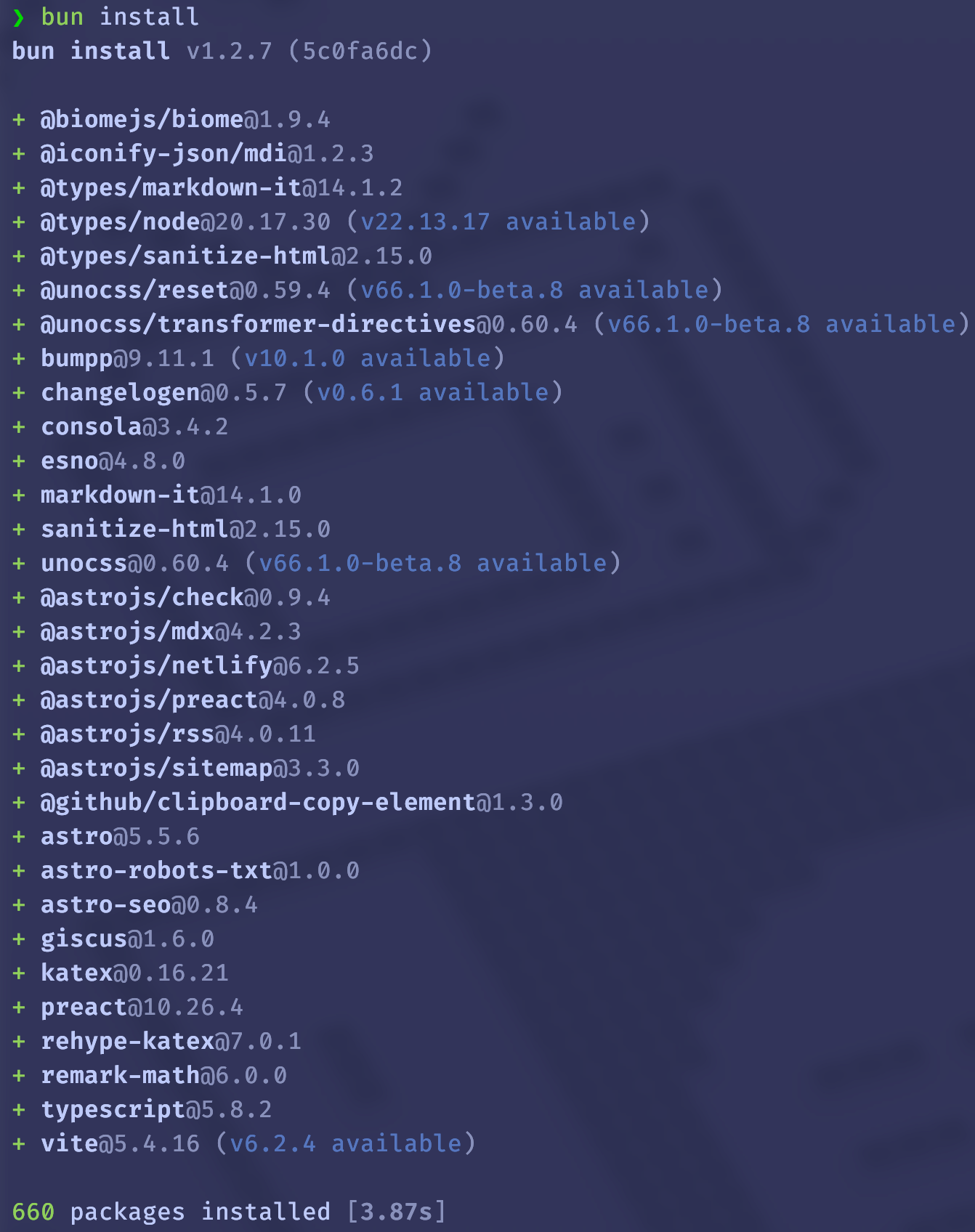
bun installI observed that Bun’s installation process felt significantly faster compared to pnpm, which was one of the main goals of this migration. After Bun v1.2, Bun creates a bun.lock file similar to pnpm-lock.yaml for compatibility, instead of using bun.lockb.
Step 3: Building the Project
Most Astro projects have a build script defined in package.json. Bun can execute these scripts using bun run. To build the blog, I ran:
bun run build # It's equivalent to bun astro buildThis command executed the build process defined in my package.json scripts, generating the static site files in the dist/ directory as expected.
Step 4: Updating Configuration (If Needed)
Depending on the deployment setup, some configuration files might need adjustments. For instance, if deploying via Netlify, I would update the netlify.toml file to use Bun commands:
# Example netlify.toml adjustment
[build]
  command = "bun run build"
  publish = "dist"
Conclusion
Migrating my Astro blog from pnpm to Bun was a quick and painless process. The main steps involved cleaning up old package manager files, running bun install, and using bun run for scripts. While I still need to evaluate the long-term performance benefits, the initial speed improvements during installation are promising. This switch simplifies the tooling by leveraging Bun’s all-in-one capabilities.