Troubleshooting an Arch Linux Black Screen After Kernel Update (Intel 11th Gen GPU)
Recently, I encountered a boot issue after performing a routine system update on my Arch Linux machine, resulting in a black screen. This was resolved by identifying the problematic kernel update (version 5.19.12) affecting my Intel 11th Gen integrated GPU and downgrading the relevant packages using a live environment.
The Problem: Black Screen After Update
After updating my Arch Linux system using paru, I later rebooted my laptop. Immediately following the GRUB bootloader menu, the system went to a black screen. There was no cursor visible, and the screen exhibited some flickering. This behavior usually points towards graphics driver issues, but it was unexpected on my system which uses an Intel integrated GPU (specifically 11th Gen), as these problems are more commonly associated with dedicated Nvidia cards.
Troubleshooting Steps
To diagnose and fix the issue, I needed to access the system externally. I followed these steps:
Boot from Live USB: I created an Arch Linux live USB drive and booted my laptop from it.
Connect to Network: Once in the live environment, I connected to Wi-Fi using
iwctlto access online resources if needed (like the Arch Wiki or forums).Mount System Partitions: I identified my system partitions using
fdisk -land mounted them:# Verify partition names first with fdisk -l mount /dev/nvme0n1p2 /mnt # Mount root partition mount /dev/nvme0n1p1 /mnt/boot # Mount boot partition (if separate)Enter Chroot Environment: I changed the root directory to my installed system to perform operations on it:
arch-chroot /mnt
Identifying the Cause
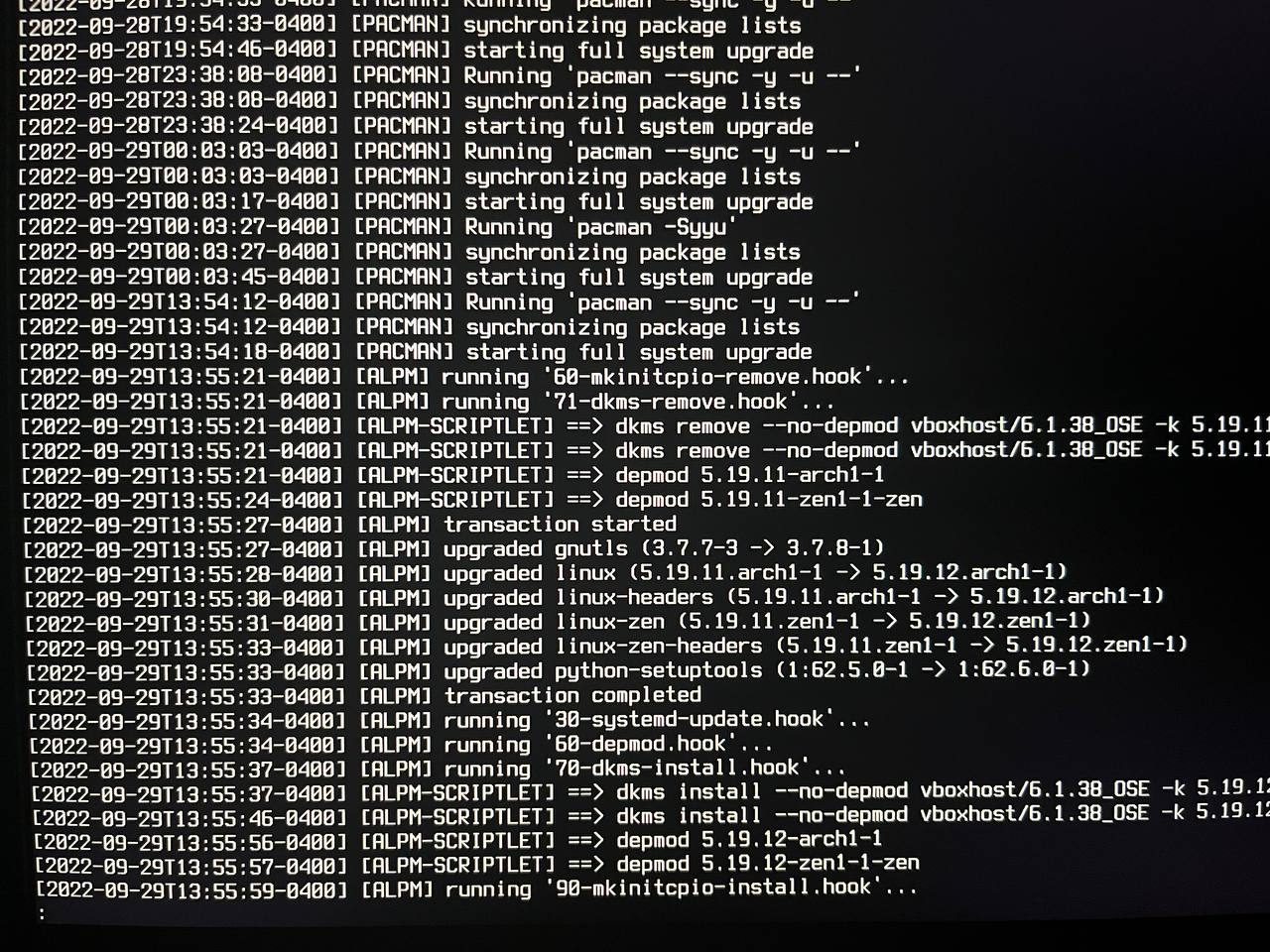
Inside the chroot environment, my primary suspect was the recent update. I checked the pacman log for recently installed packages:
tail -n 300 /var/log/pacman.log | lessThe log confirmed that several packages, including the Linux kernel (linux, linux-headers), were updated around the time the issue started (13:55). Specifically, the kernel was updated to version 5.19.12.arch1-1.
A quick search on the Arch Linux forums, particularly in the “Kernel & Hardware” section, revealed similar reports.
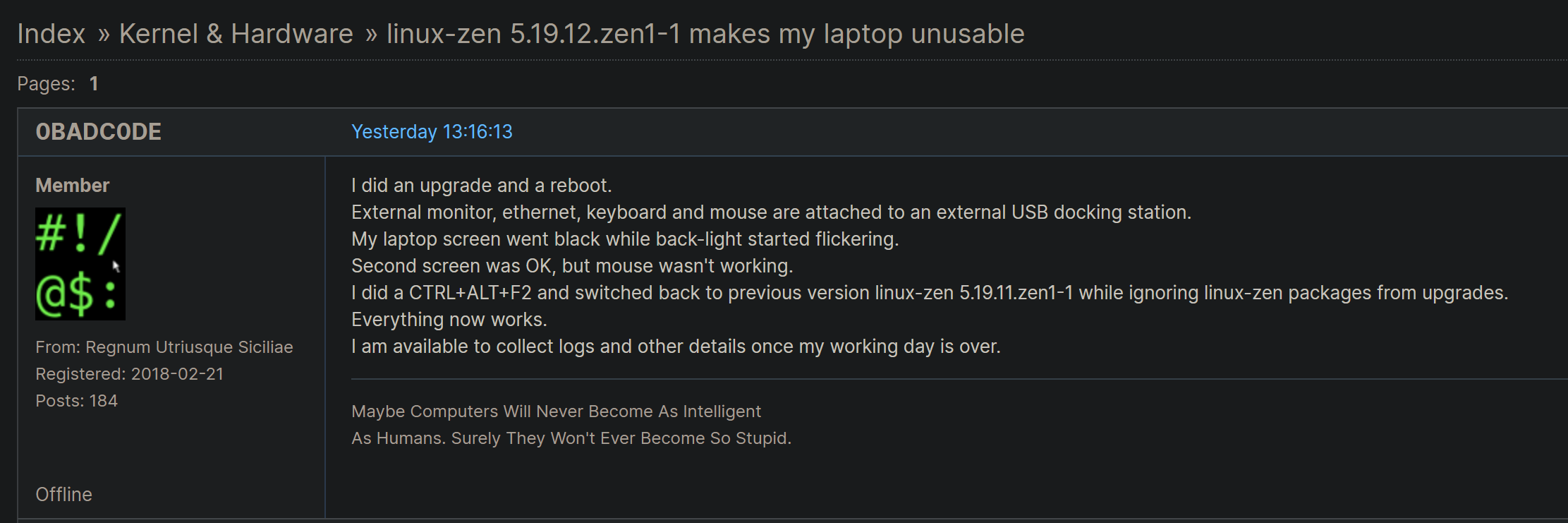
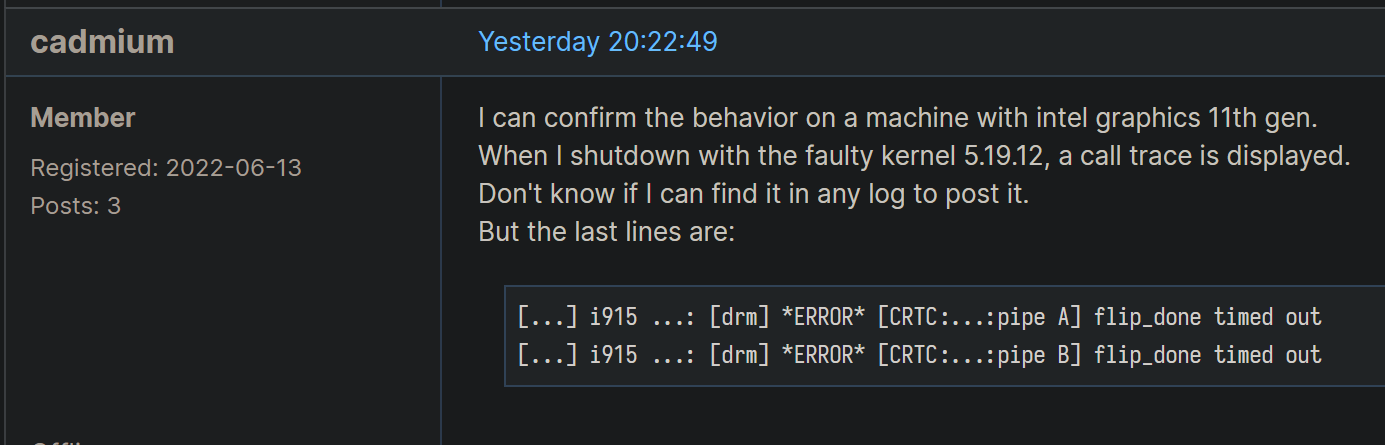
Multiple users confirmed that this specific kernel update (5.19.12) was causing black screens, primarily on systems with Intel 11th Generation integrated graphics (Tiger Lake).

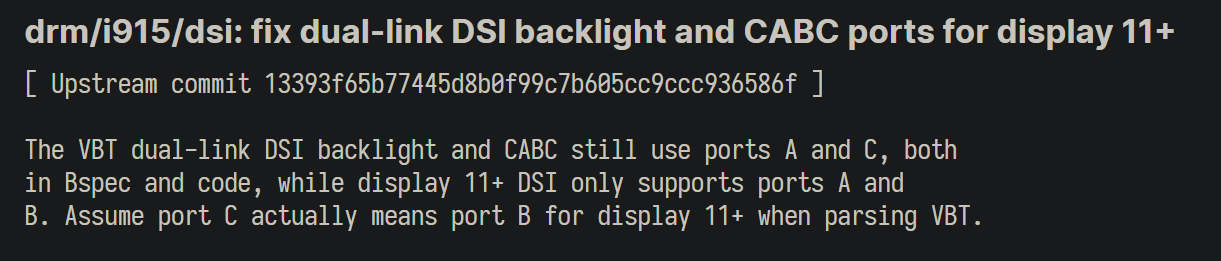
The suspected cause pointed towards a regression or bug introduced in the 5.19.12 kernel affecting the Intel iGPU driver.
Resolution: Downgrading the Kernel
With the cause identified, the solution was to downgrade the kernel packages back to the previously working version (5.19.11).
Locate Cached Packages: Pacman keeps older package versions cached (if not cleared). I listed the cached kernel packages:
ls /var/cache/pacman/pkg | grep 'linux' | lessDowngrade Packages: I used
pacman -Uto install the previous versions of the kernel and related packages found in the cache. The exact package names might vary slightly, but generally include linux, linux-headers, linux-docs, etc.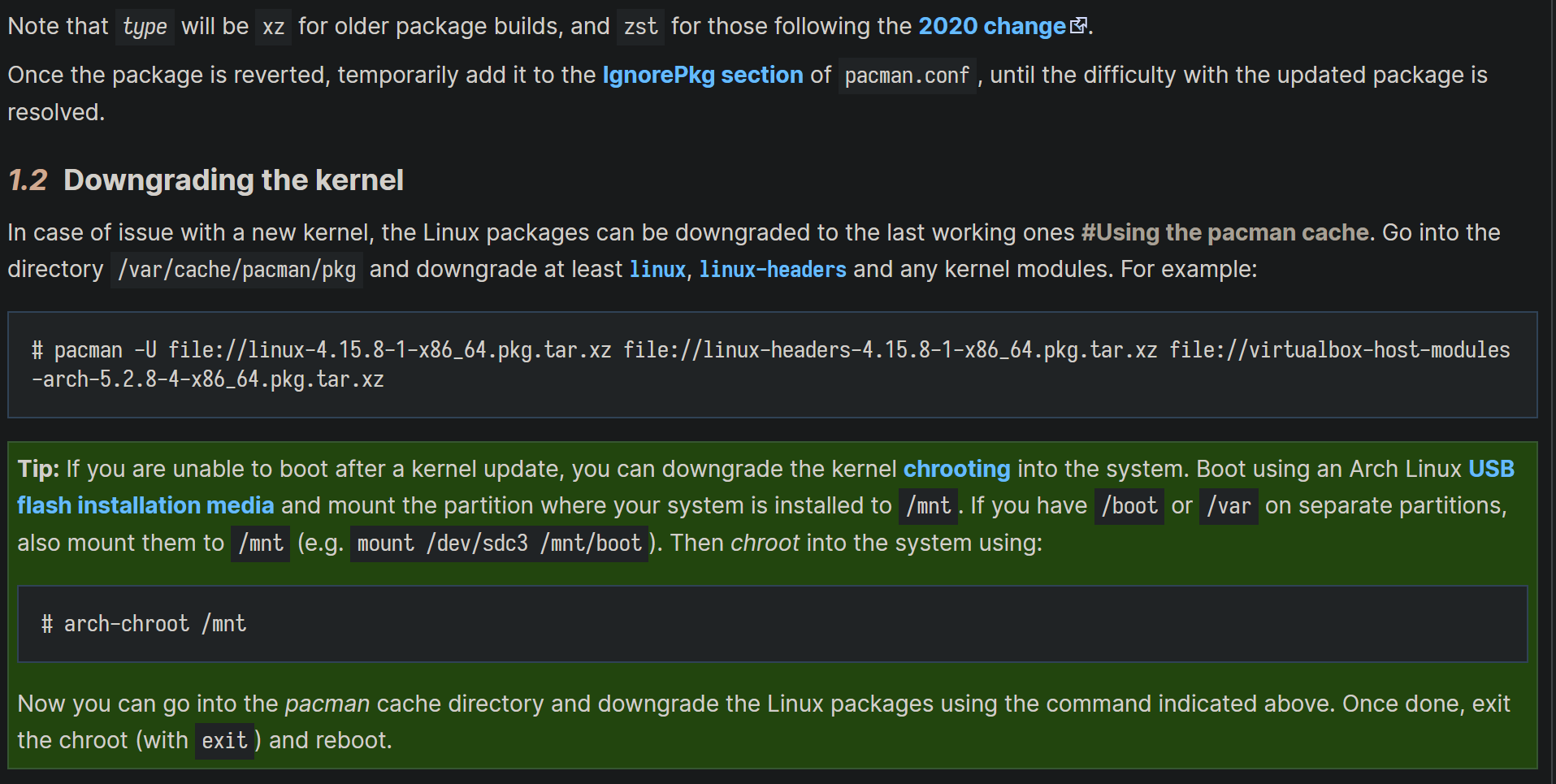
pacman -U /var/cache/pacman/pkg/linux-5.19.11.arch1-1-x86_64.pkg.tar.zst \
        /var/cache/pacman/pkg/linux-headers-5.19.11.arch1-1-x86_64.pkg.tar.zst \
Note: If you encounter similar issues, it is advisable to temporarily add these packages to the
IgnorePkglist in/etc/pacman.conf. This will prevent them from being updated again until the issue is resolved upstream.Exit and Reboot: After successfully downgrading, I exited the chroot environment, unmounted the partitions, and rebooted:
exit
umount /mnt/boot
umount /mnt
reboot
Upon rebooting, the system booted successfully into the desktop environment.
Conclusion
While rolling release distributions like Arch Linux offer the latest software, updates can occasionally introduce regressions. In this instance, kernel 5.19.12 caused a black screen issue specifically for users with Intel 11th Gen GPUs. By using a live environment, chroot, checking logs, and consulting community forums, I was able to identify the problematic update and resolve the issue by downgrading the kernel packages. This experience, although rare in my years of using Arch, highlights the importance of knowing basic system recovery techniques.